Traces

Traces

Getting to know Traces

Traces is a productivity app I designed and built for myself — not a startup idea, not something for the App Store, just a tool I actually use every day. I wanted one place that could hold everything: my to-do list, a visual mood board for the things I'm feeling or working toward, my health and activity data pulled in from my phone and watch, and a whole system for planning and logging what I eat

brirf-image
brirf-image

Wireframes

Before touching color or type, I laid out the full flow, so the structure could be tested on its own: can the ring, the week strip, and the checklist all coexist without scrolling past the fold?

Home

Home

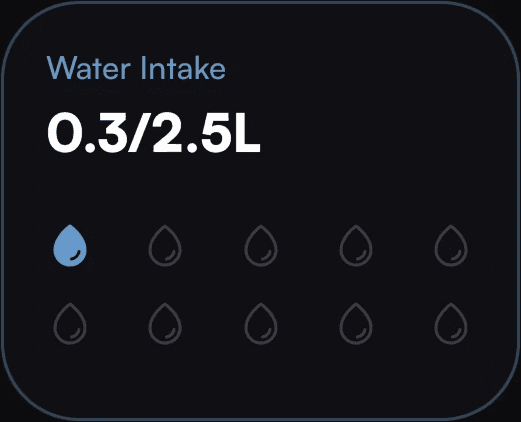
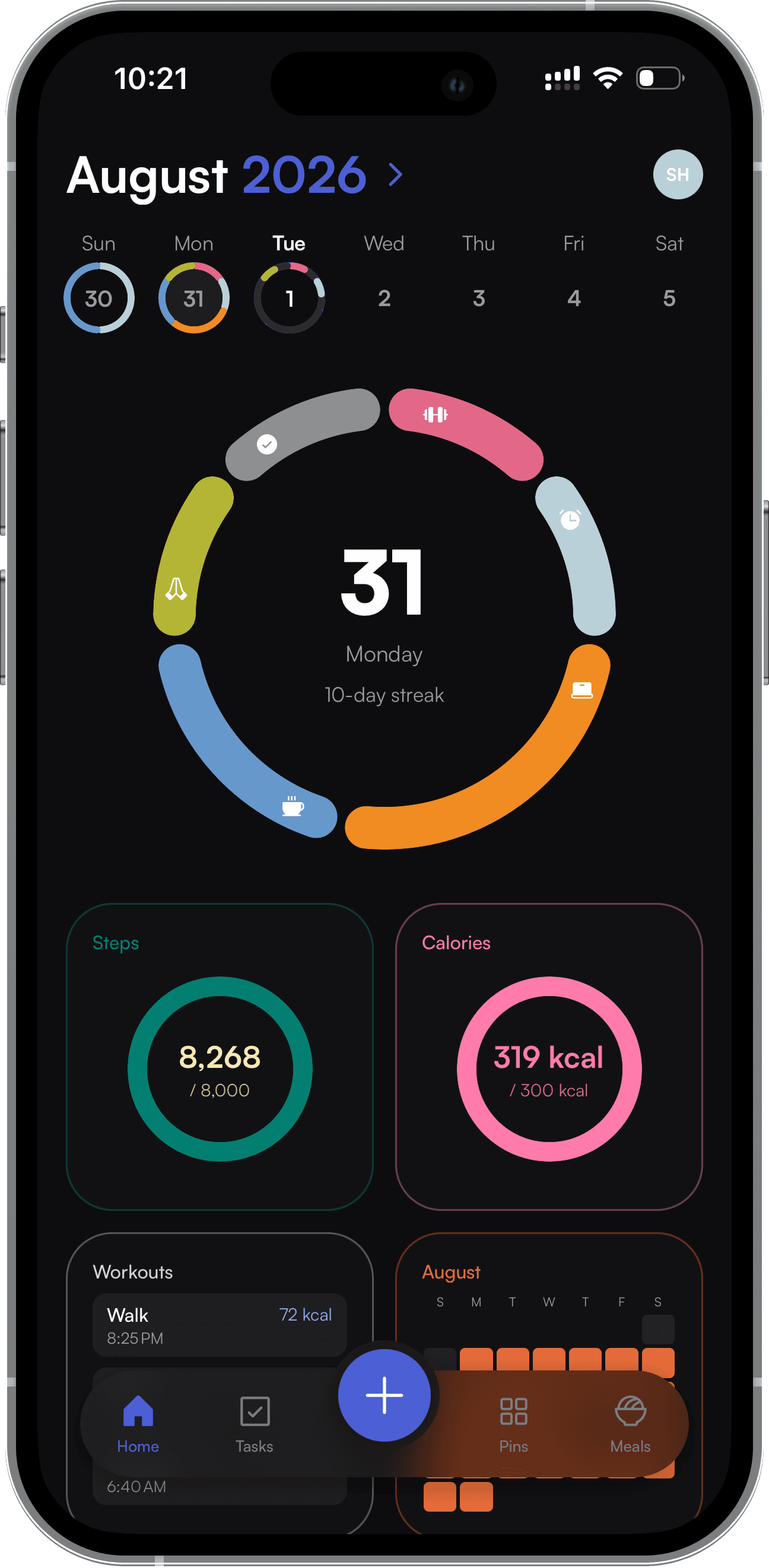
My home base — everything about how today is going, in one glance. It pulls activity data (steps, calories burned, workouts) straight from Apple Health and my watch, and sits alongside what I log manually: my weight, my water intake, and my daily macros.

  • Steps, active calories, and workouts synced automatically from Health & Apple Watch

  • Weight and water intake logged by hand

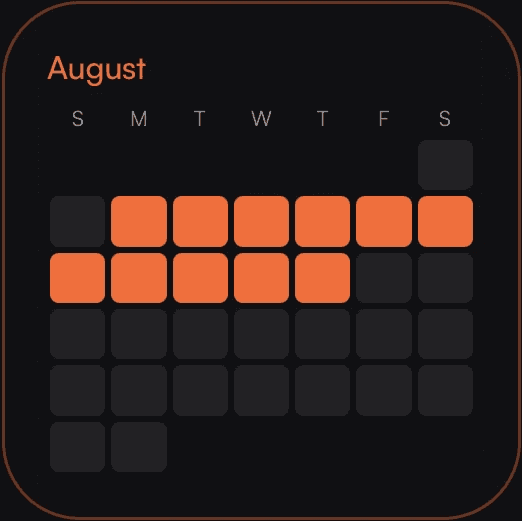
  • A running count of how many days I've completed all my tasks and activities

  • A quick macro summary for the day

My home base — everything about how today is going, in one glance. It pulls activity data (steps, calories burned, workouts) straight from Apple Health and my watch, and sits alongside what I log manually: my weight, my water intake, and my daily macros.

  • Steps, active calories, and workouts synced automatically from Health & Apple Watch

  • Weight and water intake logged by hand

  • A running count of how many days I've completed all my tasks and activities

  • A quick macro summary for the day

Tasks

Tasks

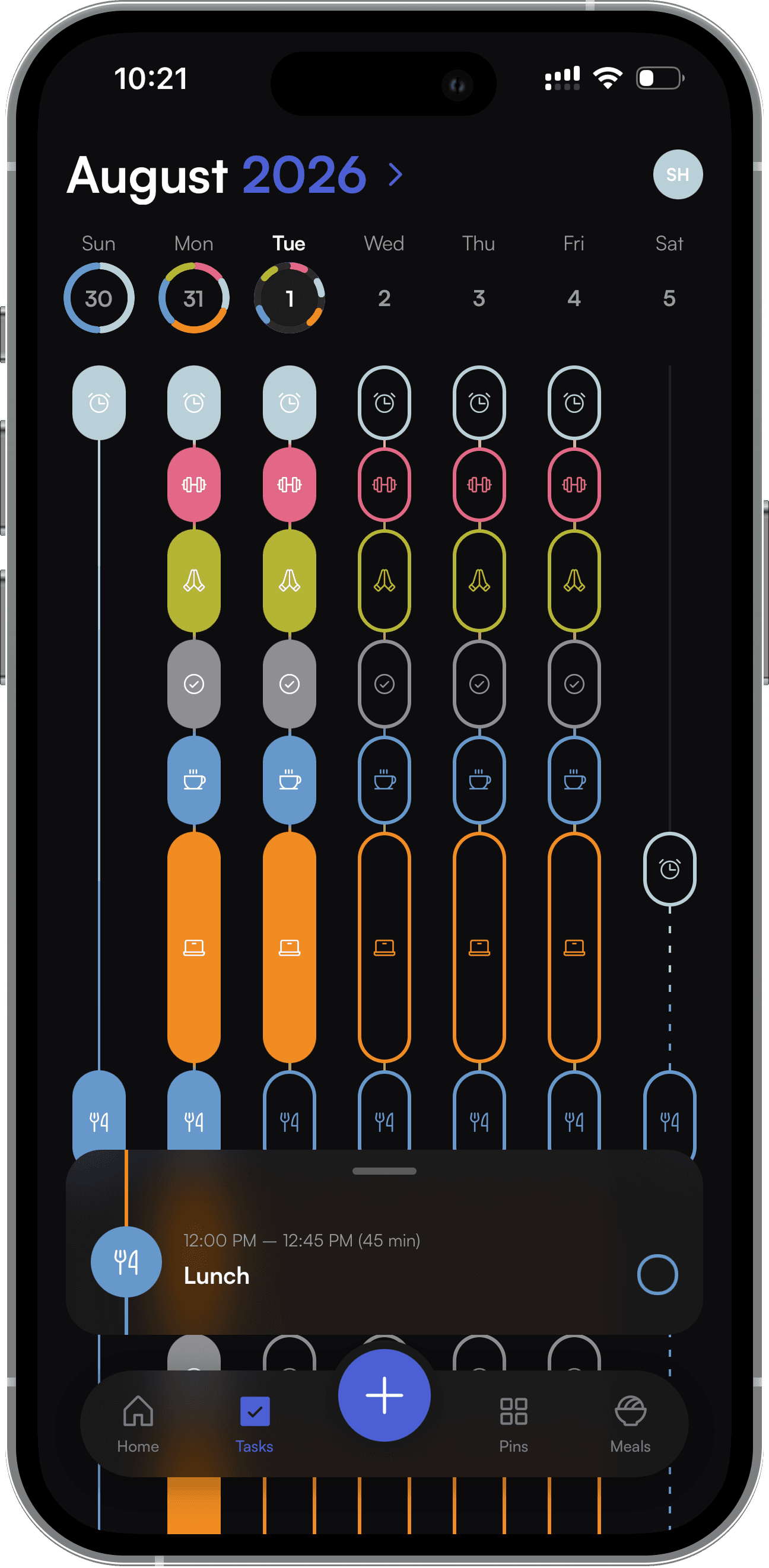
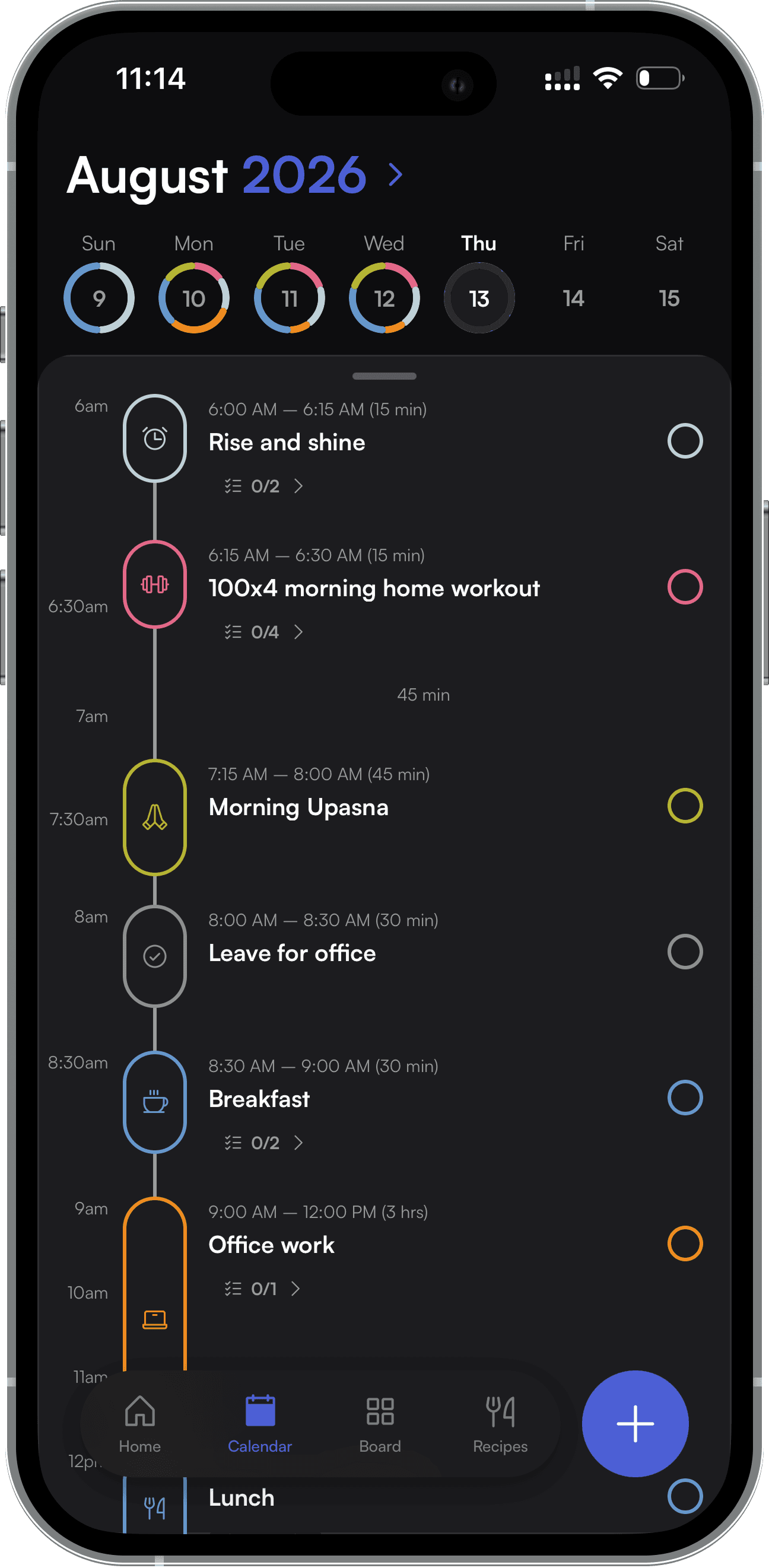
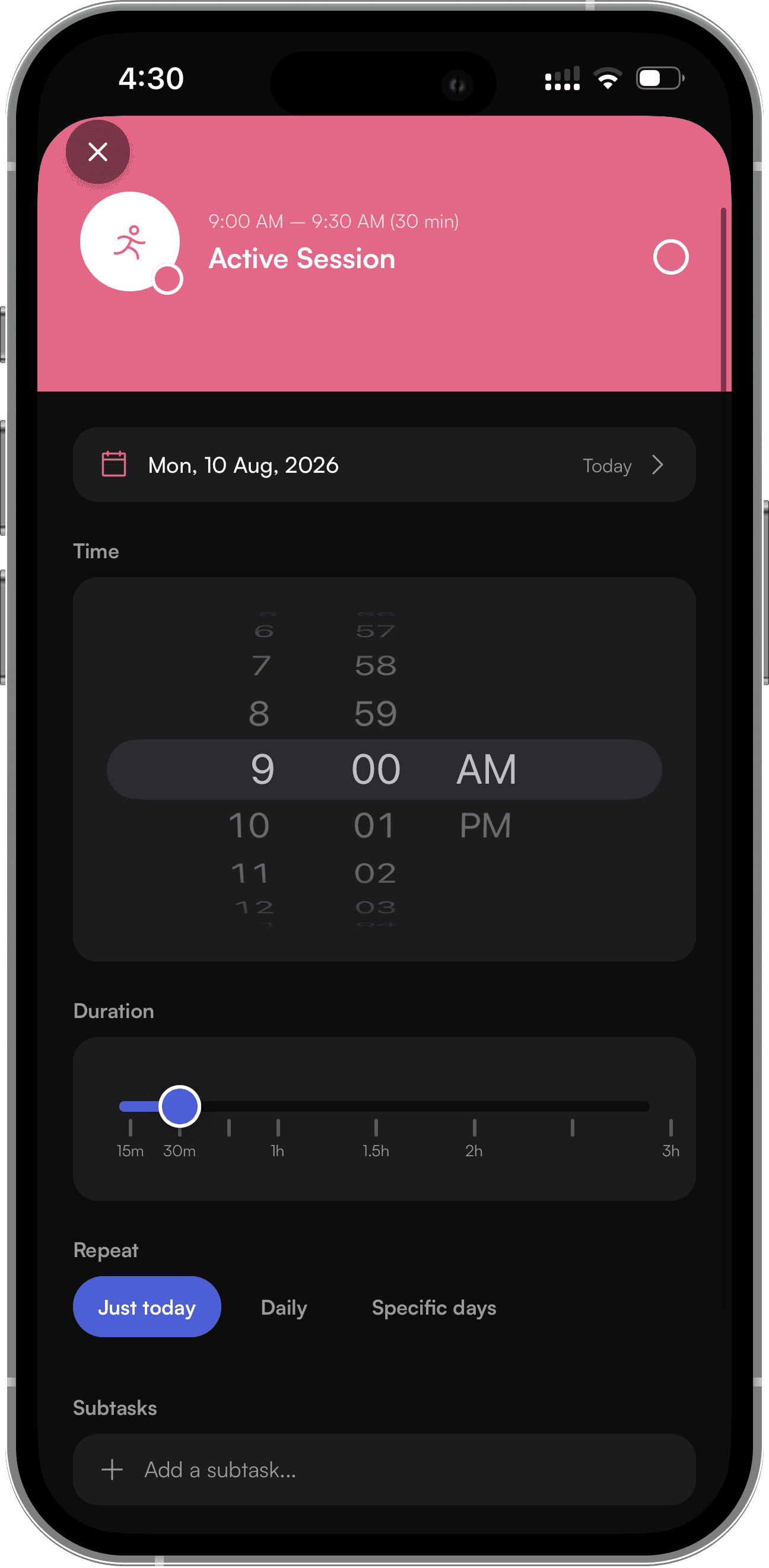
The straightforward part — my daily to-dos and recurring routines, laid out by day so I can see what's done and what's still ahead.

The straightforward part — my daily to-dos and recurring routines, laid out by day so I can see what's done and what's still ahead.

Pins

Pins

A Pinterest-style board inside the app — a space for images that capture how I'm feeling or what I'm working toward, sitting somewhere between a mood board and a journal. It's the least "productivity app" part of Traces, and my favorite one.

A Pinterest-style board inside the app — a space for images that capture how I'm feeling or what I'm working toward, sitting somewhere between a mood board and a journal. It's the least "productivity app" part of Traces, and my favorite one.

Meals

Meals

The biggest page in the app, and the one I've spent the most time on. It's a full system for planning, prepping, and logging what I eat:

  • Cookbook — every recipe I cook from, in one browsable, searchable place

  • Weekly meal prep & grocery list — a checklist for prepping the week ahead, and a grocery list to shop from

  • Suggested meals — a recipe suggestion for each day, pulled from my rotating meal plan

  • AI food scanning — snap a photo of my plate and Gemini AI estimates the macros for me, no manual entry needed